
So You Want to Build a Mobile App — Here's Everything You Need to Know
A comprehensive, jargon-free beginner's guide to mobile app development. Learn about app types, the build process, must-have features, common pitfalls, and how to choose the right development partner.

Index
Most business owners who approach us with an app idea tend to start the same way — genuinely excited, slightly overwhelmed, and not entirely certain what they have signed up for. That feeling is completely understandable. The world of mobile development can look like a foreign language from the outside. This guide cuts through all of that and walks you through what you actually need to know, in plain English, no technical background required.
Whether you are a startup founder with a product vision, a business owner looking to reach customers on their phones, or simply someone curious about what building an app actually involves — this guide was written for you. We cover every stage from the very basics through to launch and beyond.
At INDIBUS, we have helped businesses across Europe, the USA, UAE, and India bring their app ideas to life. This guide distils the advice we give our own clients at the start of every engagement — honestly, practically, and without jargon.
Partner with INDIBUS
Have an app idea and want an honest, straightforward conversation about what turning it into a product would actually involve? INDIBUS is happy to have that conversation. No sales pitch, no pressure, no jargon. Book a free consultation today.
What Is a Mobile App, Really?
It might sound like a simple place to begin, but grounding yourself in the basics saves a lot of confusion later. A mobile app is software that runs directly on a smartphone or tablet — either an iPhone running iOS, an Android device, or both. Unlike a website you visit through a browser, an app lives on the device itself and behaves differently because of it.
Apps can function without a live internet connection. They can send notifications to a user's lock screen even when the phone is sitting face-down on a desk. They can access a phone's camera, GPS, microphone, and contact list. They load instantly and respond in ways that browser-based tools simply cannot match. These capabilities are why so many businesses — across almost every industry — are investing in building one.
That said, here is something worth saying honestly upfront: a mobile app is not automatically the right answer for every business. Sometimes a thoughtfully designed, fast website serves your audience just as well — or better. Before committing to an app, it is worth getting very clear on the one thing it will do that a website cannot. If that answer comes easily, you are already ahead of most.
Not All Apps Are Built the Same Way
When someone tells a developer 'I want to build an app,' the first question that needs answering is: which kind? Because the underlying technology changes everything — how long the project takes, how the app performs, and which devices it runs on. There are three approaches that matter for most businesses.
Native Apps
A native app is written specifically for one platform — iOS uses Swift, Android uses Kotlin. These apps are deeply integrated with the device, delivering the sharpest performance and the most natural user experience. The practical reality is that if you want both platforms covered, you are committing to two separate builds.
Cross-Platform Apps (React Native / Flutter)
Cross-platform frameworks like React Native and Flutter allow a single team to write one codebase that runs on both iOS and Android. For the overwhelming majority of business apps, the performance gap compared to native is negligible in practice. You ship once, you cover everyone. This is the approach INDIBUS recommends for most projects.
Progressive Web Apps (PWA)
A PWA is a website engineered to behave like an app. It can be pinned to a home screen, work offline in limited ways, and send push notifications — all without going through an app store. PWAs are a practical route when speed to market matters above all else, though they hit a ceiling when you need access to deeper hardware features.
What Actually Happens When You Build an App?
One of the most valuable things any business owner can do before starting an app project is to understand the stages they are about to move through. Not because you need to manage the technical details — your development team owns that — but because knowing what comes next keeps you from being caught off guard, and it makes you a significantly better client to work alongside.
Discovery and Scoping
Before any screen is designed or any code is written, a good team will invest real time in understanding your business, your users, and the specific problem you are solving. This stage produces a detailed document that maps every feature, every user journey, and every decision that needs to be made before work begins.
UI/UX Design
Your designers produce every screen visually — the layout, the navigation, the interactions, and the overall feel. You will typically review these as interactive prototypes: clickable mockups you can actually tap through on a phone, long before a single line of code exists.
Development
This is where the app gets built. Development typically divides into the frontend — what users see and interact with — and the backend, which handles data storage, business logic, third-party integrations, and everything running behind the scenes.
Quality Assurance and Testing
Testing is not a single event at the end of the project. It is a continuous thread that runs through the entire build. QA engineers test the app on real devices — across different screen sizes, operating system versions, and network conditions.
Launch and Ongoing Development
Getting your app approved and published on the App Store and Google Play Store is its own process — both platforms have submission guidelines and review periods. After launch, the real learning begins as your users show you what works and what does not.
What Should Your App Actually Include?
There is a particular trap that catches almost every first-time app builder: somewhere between the initial idea and the first developer conversation, the feature list doubles. Then triples. The most effective approach is to identify the single core action your app needs to perform — the one reason someone would open it — and build that first. Everything else gets added after you have real users generating real signals.
User Authentication
Secure, frictionless login — with options like Sign in with Google or Apple significantly reducing drop-off at the first screen.
Push Notifications
The ability to reach users directly on their lock screen is one of the most genuinely powerful engagement tools a mobile app has.
In-App Analytics
Understanding how users actually move through your app — what they tap, where they drop off — is essential for making improvements after launch.
Cloud Data Sync
User data saved securely and accessible across multiple devices is expected as standard by anyone who uses apps regularly.
Accessibility
Text scaling, screen reader support, and sufficient colour contrast are both a legal consideration in many markets and simply the right way to build.
Offline Functionality
Allowing core features to function without an active internet connection meaningfully improves the experience for real-world users in real-world conditions.
The Mistakes That Derail App Projects Before They Launch
The apps that never make it to the App Store — or launch and quietly disappear — usually fail not because the technology let them down, but because the process around the technology was mishandled. These are the patterns we see most consistently, and the thinking that helps you avoid them.
How to Identify a Development Team Worth Working With
The decision of who builds your app shapes everything that follows. The technology stack matters. The design quality matters. But the people behind those decisions, and the processes they follow, matter more than either.
They point you to live, downloadable work
Not a polished PDF of past projects. Actual apps that you can find in the App Store or Play Store, download, and use yourself. This tells you more in five minutes than any presentation ever will.
They ask more questions than they answer
A team that jumps straight to talking about timelines and technology before deeply understanding your users and your business has the priorities backwards. The best partners are genuinely curious first.
They run a visible, predictable process
You should never be in a position of wondering what is happening with your project. A well-run team gives you access to a shared project board, holds regular review sessions, and delivers working software on a consistent rhythm.
Ownership is documented clearly
The code, the design files, and the intellectual property should belong to you the moment they are created. Every professional team documents this without hesitation.
They take security and compliance seriously
Any team building a consumer-facing app should be able to speak clearly about how user data is handled, what encryption standards are applied, and how the app meets GDPR or relevant local requirements.
Launch Day Is Just the Starting Line
There is a particular kind of disappointment that catches app builders off guard: you spend months building something, hit publish, and watch very little happen. This is more common than the industry discusses openly, and it has nothing to do with the quality of the product itself. Getting people to find, download, and return to an app requires deliberate effort.
App Store Optimisation
Your listing in the App Store and Google Play is a search result. The title, description, keywords, and screenshots all influence whether potential users discover the app organically. Approach this with the same rigour as search engine optimisation.
Build anticipation before you launch
The businesses that see meaningful early traction almost always have an audience that was already following the build — a waiting list, a community, a series of updates that made people feel invested.
Track retention, not just downloads
Download numbers tell you how well your marketing is working. Retention — whether people open the app again on day seven and day thirty — tells you whether the app is actually delivering value worth returning to.
Update regularly and visibly
Apps that ship updates consistently signal to the stores and to users that someone is actively invested in improving the experience. Even incremental improvements maintain trust and momentum over time.
"An app is not just a digital product. It is a direct line between your business and your customer — one that lives in their pocket, available every hour of every day."
How Most European Companies Actually Start With Us
Discovery and scoping
We invest real time in understanding your business, your users, and the specific problem you are solving. This stage produces a detailed document that maps every feature, every user journey, and every decision before work begins.
UI/UX design and prototyping
Every screen is designed visually and shared as interactive prototypes you can tap through on a phone. This is your window to get the experience right while changes are still easy and inexpensive.
Development in structured sprints
The app gets built in one-to-two-week sprints, with something working to review at the end of each one. Frontend and backend are developed in parallel for maximum efficiency.
QA testing on real devices
Testing runs continuously throughout the build. QA engineers test across different screen sizes, OS versions, and network conditions to find issues before your users do.
Launch and ongoing improvement
We handle App Store and Google Play submissions, then support you with user analytics, performance monitoring, and iterative feature improvements based on real user behaviour.
Working With European Businesses Across Every Major Market
FAQs
Q1. How much does it cost to build a mobile app?
Costs vary significantly based on complexity, features, and platform. A simple MVP for one platform might start from $15,000–$30,000, while a full-featured cross-platform app with backend infrastructure can range from $40,000–$150,000 or more. INDIBUS provides accurate estimates after understanding your specific requirements during the discovery phase.
Q2. How long does it take to develop a mobile app?
A simple internal tool or MVP may take 6–10 weeks. A full-featured SaaS platform or enterprise application can take 3–6 months. INDIBUS provides clear project timelines during the initial consultation based on your feature requirements and scope.
Q3. Should I build a native app or a cross-platform app?
For the majority of business apps, cross-platform development with React Native or Flutter is the most practical approach — you reach both iOS and Android users from a single codebase. Native development becomes the right choice when your app requires peak device performance, such as complex real-time processing or intensive graphics.
Q4. What is a Progressive Web App (PWA)?
A PWA is a web application built with modern web standards that delivers a native app-like experience in the browser. PWAs can work offline, be installed on devices, and send push notifications — making them a cost-effective alternative to native mobile apps when feature requirements are modest.
Q5. Do I need a backend for my mobile app?
Almost always, yes. The visible screens of an app represent a fraction of what needs to be built. Most apps require server infrastructure for user authentication, data storage, business logic, API integrations, and security — all of which live on the backend.
Q6. What happens after my app is launched?
Launch is just the beginning. Mobile operating systems update regularly, new devices arrive with different screen sizes, and security vulnerabilities need patching. INDIBUS provides ongoing maintenance, performance monitoring, and iterative feature improvements to keep your app running at its best.
Q7. How do I get my app published on the App Store and Google Play?
Both Apple and Google have submission guidelines and review periods. Apps can be rejected and sent back for changes. INDIBUS handles the entire submission process and builds review time and feedback buffers into the launch timeline from the beginning.
Q8. Can INDIBUS help with an existing app that needs improvement?
Absolutely. INDIBUS works with businesses that need to modernise, redesign, or improve existing mobile applications — including performance optimisation, feature additions, platform migrations, and complete rebuilds when necessary.
Your Idea Deserves to Be Built the Right Way
Building a mobile app is one of the most genuinely exciting things a business can take on. If you have an idea and want an honest, straightforward conversation about what turning it into an app would actually involve, we are happy to have that conversation. No sales pitch, no pressure, no jargon.
INDIBUS Team
Technology Experts
Our team of experts brings cutting-edge insights to help businesses thrive in the digital age.
Categories
Interested in Our Services?
Let's discuss how we can help transform your business with our innovative solutions.
More Insights
Discover more articles that can help transform your business
MVP Development: How to Launch Your Product in 90 Days
Learn how to build and launch a Minimum Viable Product in 90 days. A step-by-step MVP development guide for startups from INDIBUS's experts.
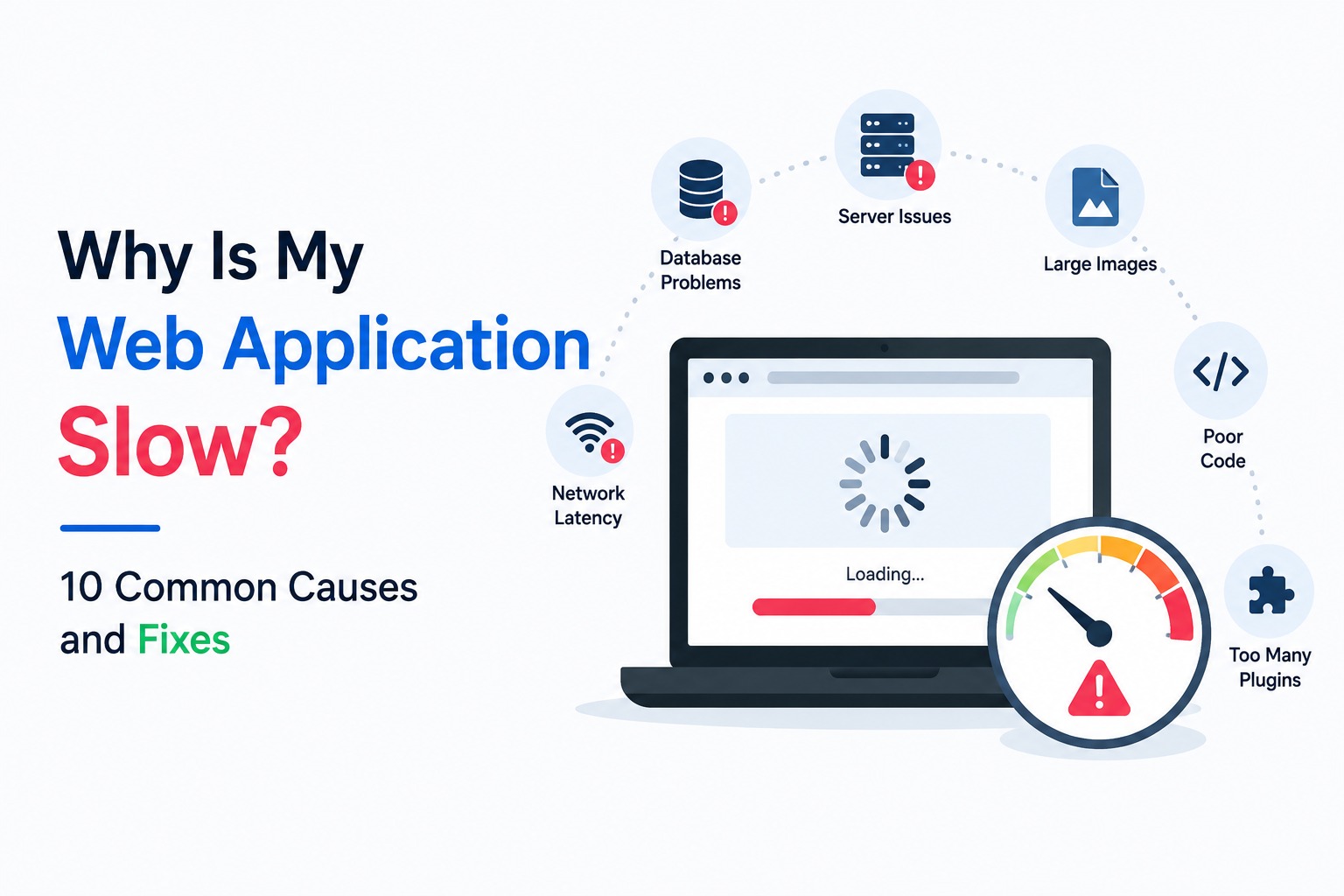
Why Is My Web Application Slow? 10 Common Causes and Fixes
Is your web application slow? Discover the 10 most common causes of poor performance and proven fixes from INDIBUS's software development experts.

AI for Startups: How New Ventures Can Compete with Giants
Learn how startups across India, US, Europe, and Australia can use AI to scale operations, innovate faster, and compete with established companies.